Blog Page
This project is part of a retro-inspired personal website built with Next.js and React. I built the blog page of my website to mimic the windows 98 desktop. This page features apps that open, windows that can be dragged and resized, and a very simplified version of the snake game to give visitors something to do.
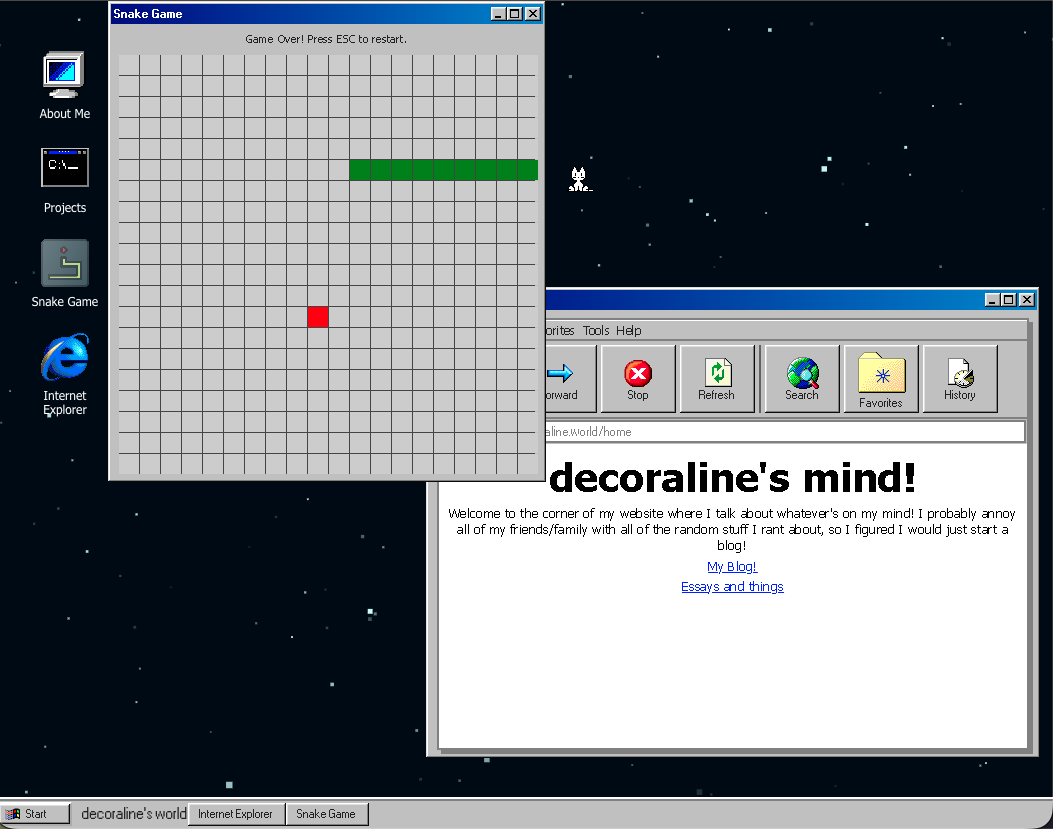
Blog Page
This is what the page looks like with the snake game, and the "internet explorer" window open. The internet explorer window holds my blog.
Desktop Code
This portion of code defines a registry of apps and a funtion to either open or restore windows. The apps array keeps UI and metadata content together, while the openWindow either re-activates an existing window or creates a new one. This centralizes app configuration and prevents duplicate windows, making the desktop logic easy to expand on.

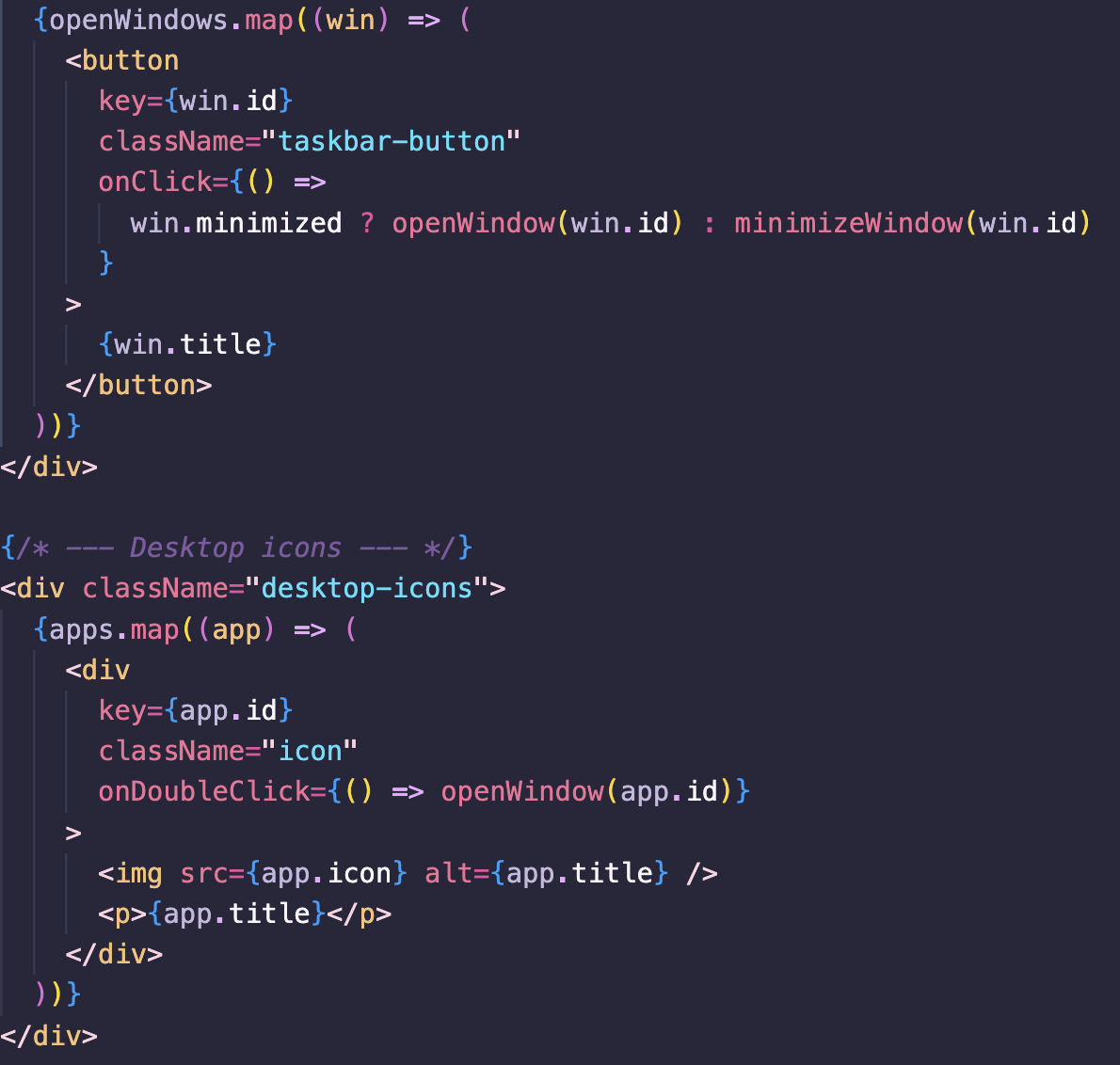
Taskbar and Desktop Icons
The taskbar buttons show the windows that are currently open and toggle minimize/restore behavior, and the desktop icons use a double-click handler to open apps.
Blog Windows
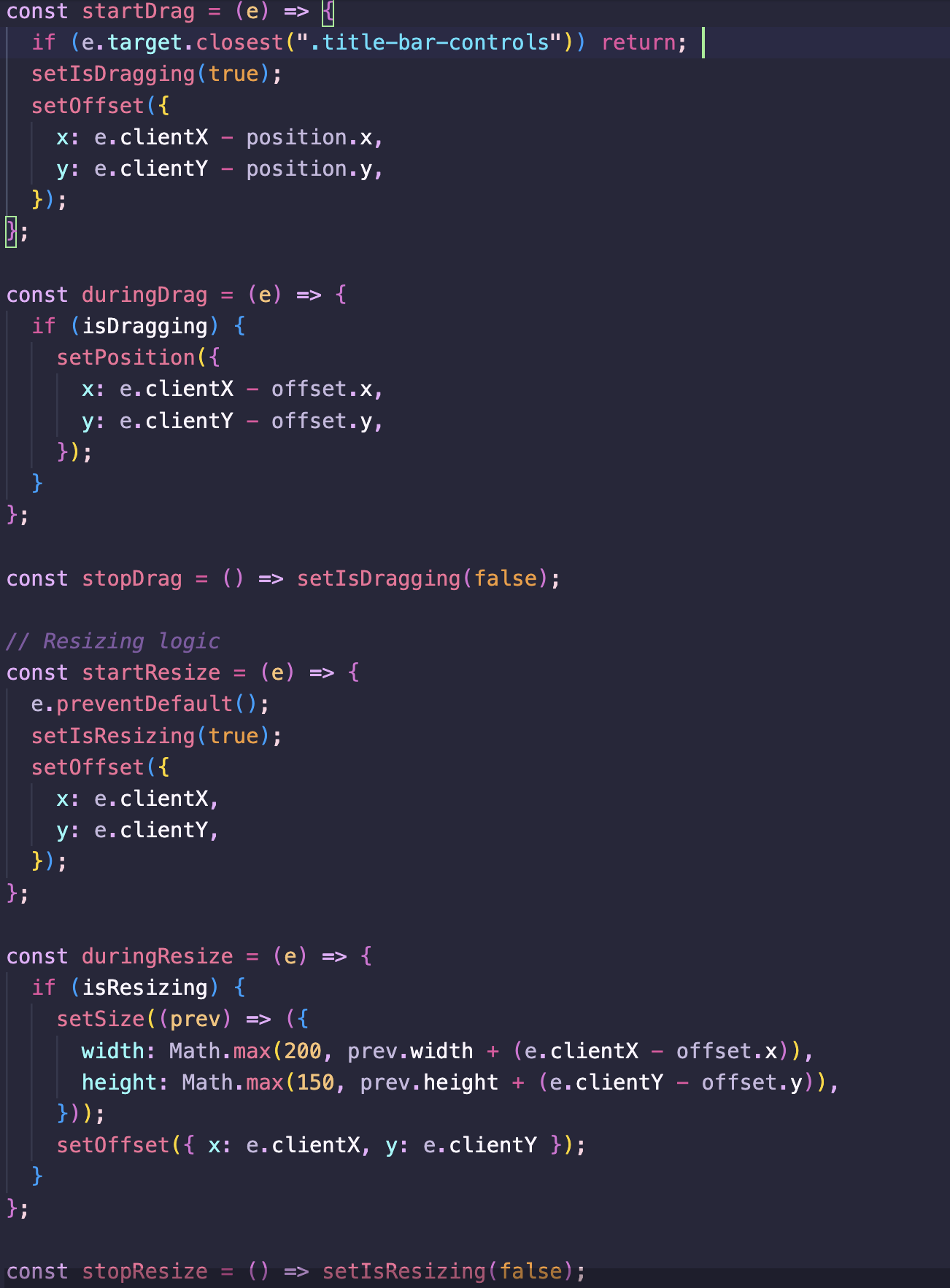
This code shows the behavior for window dragging and resizing. It tracks the position, size, and mouse offsets to compute smooth movement and enforces minimum dimensions. Seperating start/during/stop handlers keeps the logic clear and makes it easy to add contraints in the future.

Internet Explorer Window
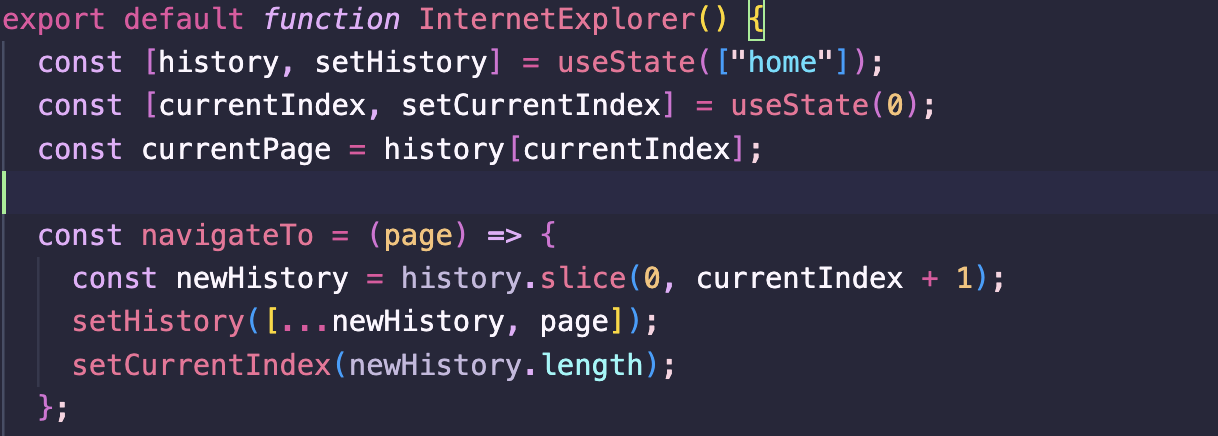
This window implements a history stack with back/forward functionality. It slices history when navigating to a new page, then updates the current index. This allows the visitor to go to previous pages like you would in a normal browser.
Snake Game
This portion of code shows the gameplay loop. It advances the snake on a timed interval, reads the current direction, checks for collisions (either the walls or itself), grows when food is eaten, and ends the game if it detects collision.

