Time Manager
This handles how the time, days, and seasons work.
Day/Night Cycle
This handles the light changes that happen in the scene as time progresses. I use the Time Manager component that I made to set how long the days last. Having the option to change it in unity, instead of it being hardcoded, makes it easier to debug. The "Day Night Lighting" component uses the gradient light overlay to change the lighting as time goes on. Starting with an orange sunrise color, going to white in the afternoon, and slowly transitioning to dark blue at night.
Day Night Cycle
This video shows how the light transitions through the day. At the end of the day it fades to black, and displays the "next day" button.
Next Day Button
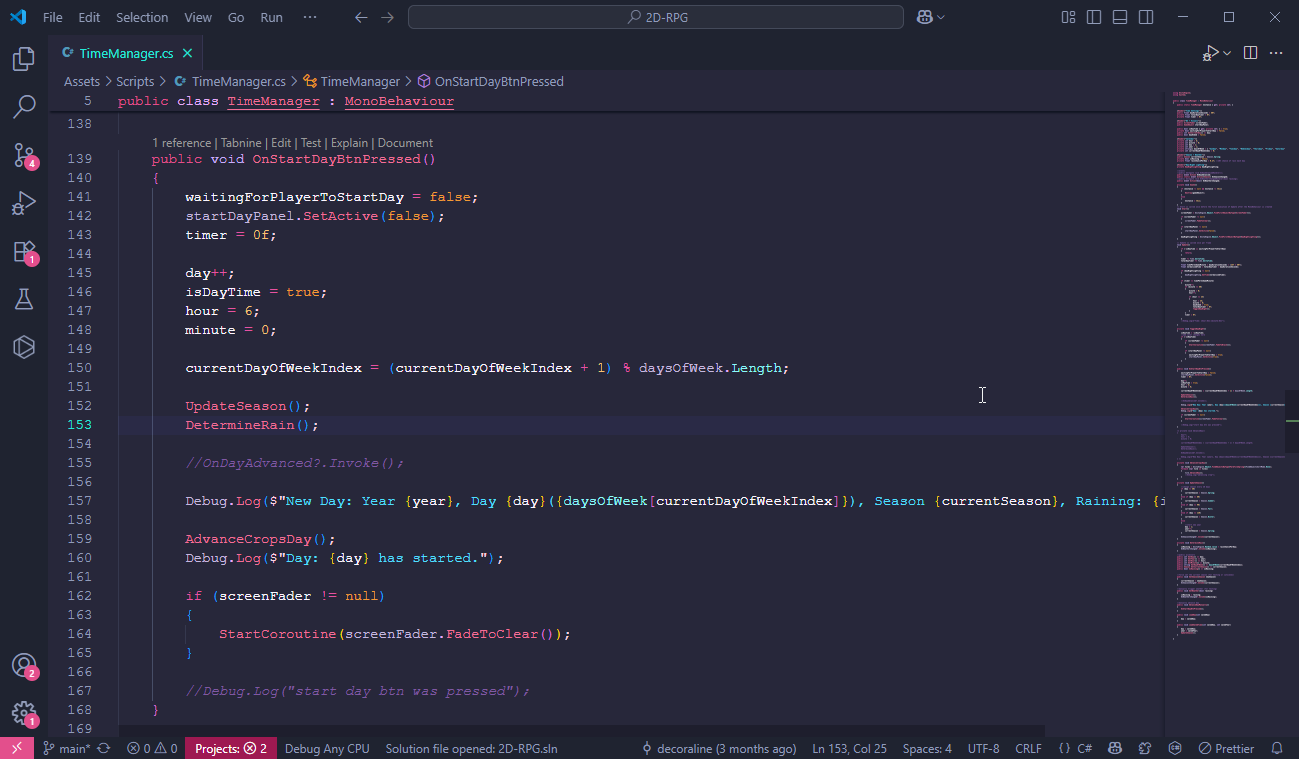
This snippet of code handles how the next day button works. When the day ends a button pops up labeled "next day." When the button is pressed the timer is set to 0, the day number increases, the hour is set to 6 (when the day starts), the day of the week goes to the next one in the index, if it was the last day of the season, the season updates to the next one, and the rain randomly starts.
Time Manager Code Snippet
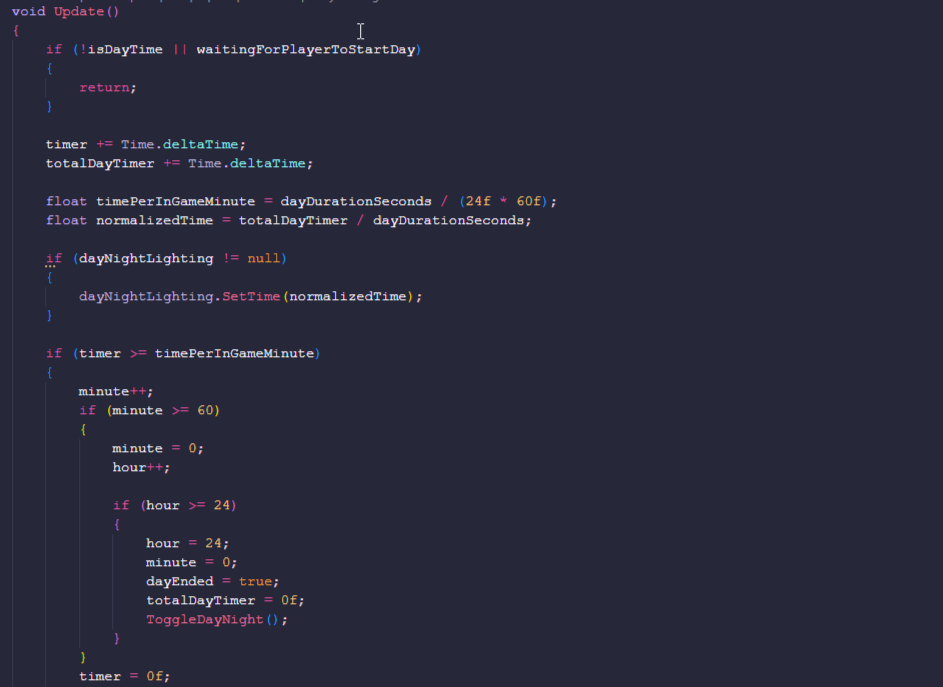
This code snippet manages the time.
Season and Weather
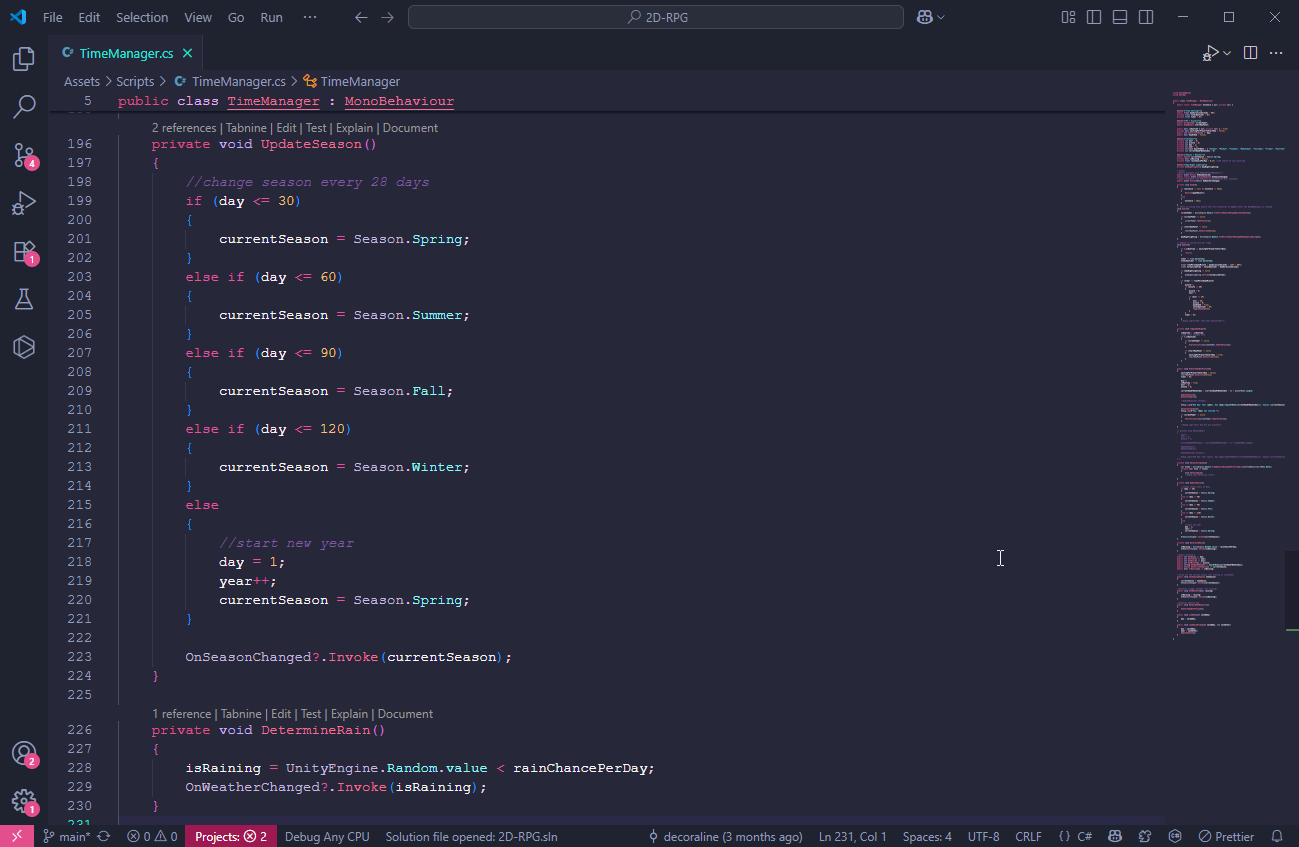
This code snippet updates the seasons according to the day in the year, starting with spring. When the winter ends, the year increases and goes back to spring. The weather is randomly determined.