Landing Page
This project is part of a retro-inspired personal website built with Next.js and React, designed to evoke feelings of nostalgia. The site features an interactive Nintendo DS-style interface where users can "open" the console, and navigate through the website either by using the cartridges or the navigation bar on the homepage. I implemented ifrrames for embedded content and crafted smooth transitions.
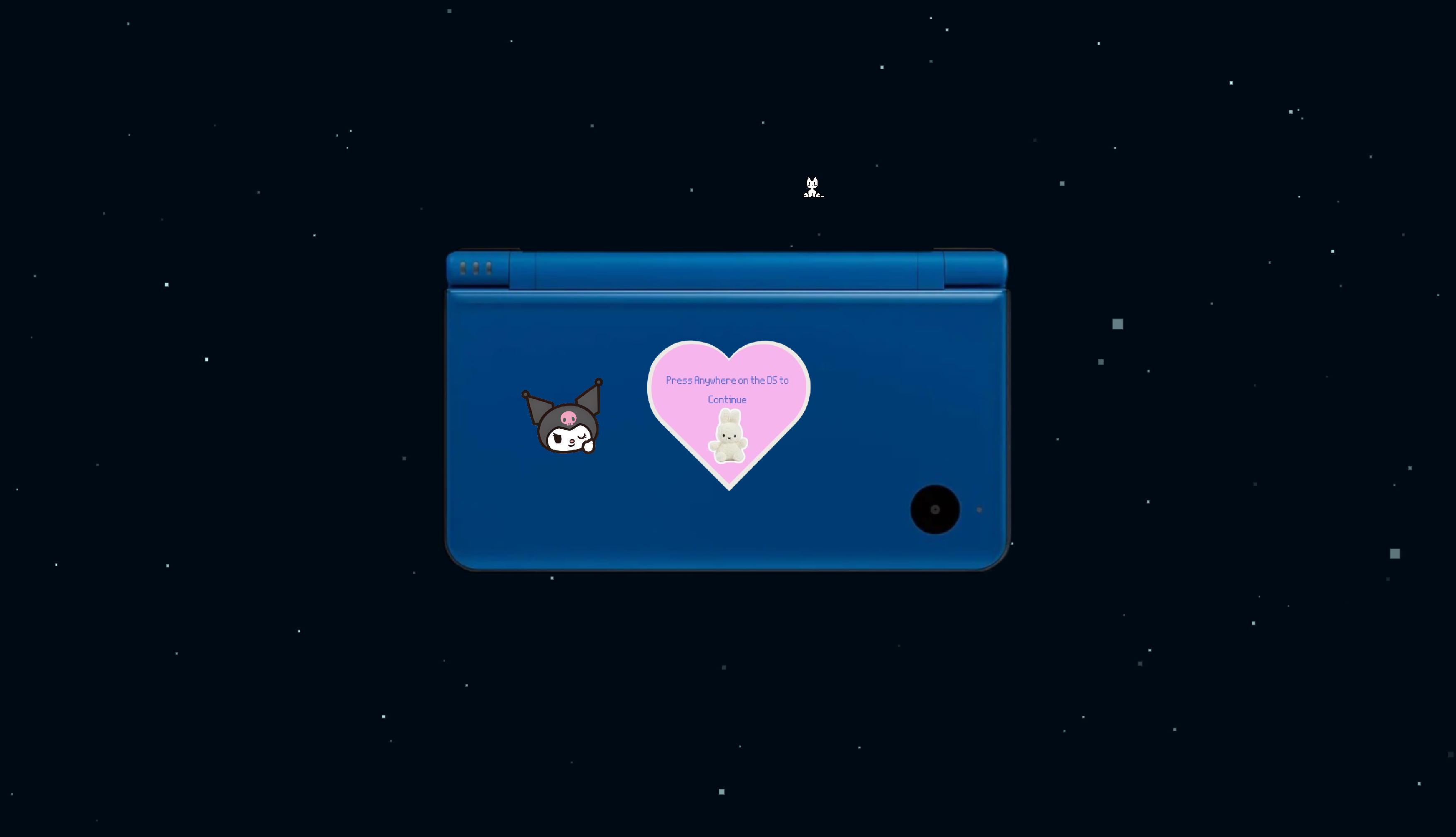
Closed Nintendo Page
This page of my website mimics the experience of opening a Nintendo DS. When users click the closed console, it transitions into an opnened DS interface with a splash screen.
Splashscreen Page
This page of my website mimics the screen that shows after you open a DS. It's a creative way to introduce my website while keeping to the Nintendo theme. After clicking the splashscreen, you get transitioned to a page that shows the cartridges.


Cartridges Page
This page of my website mimics the screen that shows the games you have installed on your DS. You just click the "game" you want to play and it will take you to that page. The explanation of the page is displayed on the top screen.
useState Code Snippet
This section manages all of the UI states that control how the DS interface behaves. dsState determines which "screen" the user is currently viewing. cartridgeInfo stores the title and description that appear on the top screen of the DS and updates as the user hovers over the cartridges. previewPage controls whether the menu shows an iframe preview of the page after a cartridge is selected, and isZooming triggers the zoom-out animation when a cartridge is selected.


Cartridge Rendering and Hover Logic
This code builds the DS "cartridge menu" dynamically from a data array. Each object represents one cartridge, including its label, description, and destination page. By mapping over the array, the UI automatically updates if new cartridges are added. Hovering over a cartridge sets its title and description on the top screen, while clicking triggers the navigation animation. This approach keeps the menu flexible, scalabe, and easy to maintain.
Handle Cartridge Click
When the user selects a cartridge, this function creates a smooth, animated transition into the next page. irst it starts the xoom-out animation by enabling isZooming. Then, after a short delay that matches the animation duration, the user is navigated to the selected page. This provides an experience that mimics opening a game on a DS and being transported into it.


Animated Screen Transition
This is only a portion of the code, but AnimatedPresence handles all of the animated screen transitions using Framer Motion. Each UI state (closed, splash, and menu) is wrapped in a motion.div so it can fade in and out smoothly. AnimatedPresence coordinates the animations when the screens mount or unmount. The menu screen also supports the zoom animation that triggers when the user selects a cartridge.